CalmBackup vs SimpleBackups

Broad platform or focused backup workflow?

Compare the sources you need to protect, the way you manage encryption keys, and the work involved in a restore. Both products offer encrypted backup workflows; the practical differences are in scope and operation.

Start free trial
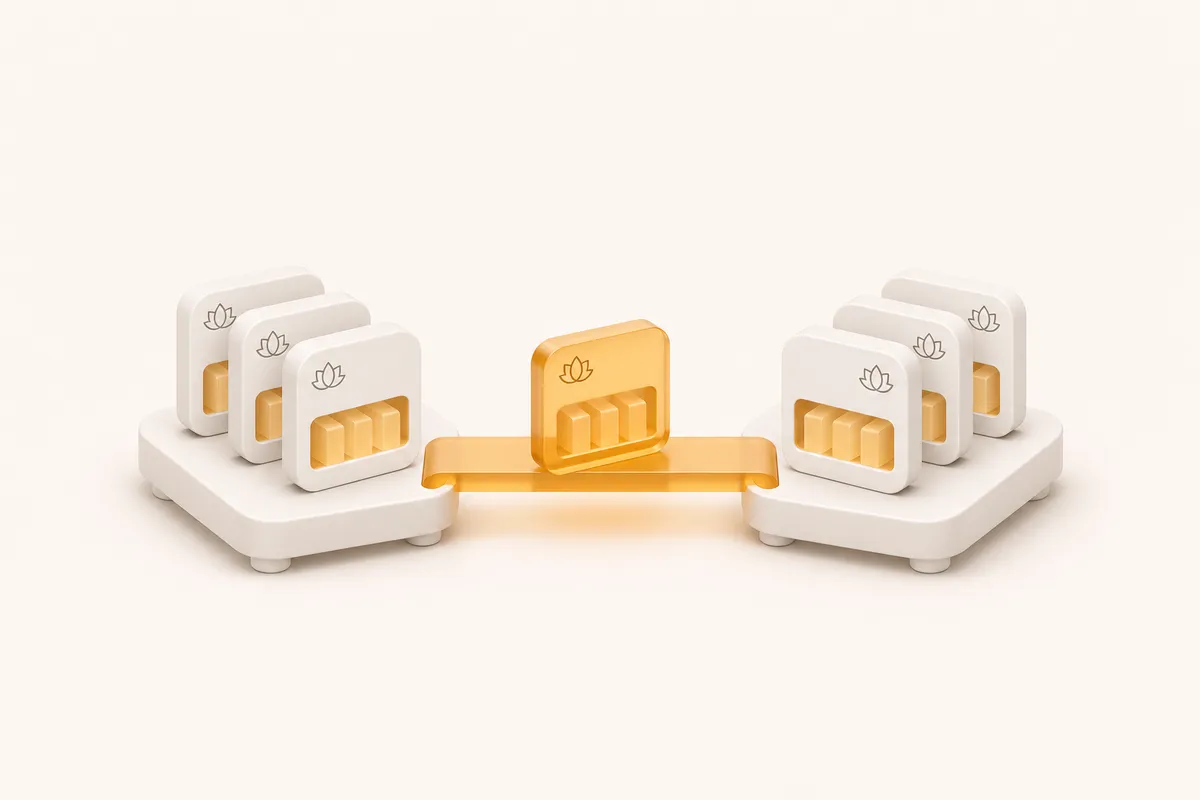
Two backup archive collections connected by an amber bridge

Ask AI about CalmBackup

See what it does, who it’s for, and whether it fits your needs.

Opens with product context and a link to this page.

View or copy the prompt

Start with the operating model

Two approaches.
Different responsibilities.

SimpleBackups covers databases, files, storage, server snapshots and SaaS applications. CalmBackup’s current CLI focuses on PostgreSQL, MySQL and SQLite with included application directories. SimpleBackups product documentation ↗

What to compareSimpleBackupsCalmBackup
Source coverageDatabase, filesystem, snapshot, storage and SaaS backup products. Official source ↗PostgreSQL, MySQL or SQLite plus configured directories.
EncryptionDocuments AES-256 archive encryption with a passphrase protected by an RSA public key. Official source ↗AES-256-GCM with a locally held encryption key; encryption before upload.
Database restoreDownload the artifact and restore with the database’s native tools. Official source ↗The CLI downloads, decrypts, unpacks and invokes the configured database restore.
Published entry pricingLite: $49/month, with five included backup jobs. Review limits and add-ons. Official source ↗Solo: $5/month for one source; Growth: $15/month for up to 50 sources.

Official documentation reviewed November 4, 2026. Plans and capabilities can change; consult the linked sources for the exact terms. The fit guidance below is our assessment.

Choose for your actual workload

Where each approach fits.

Consider SimpleBackups when…

  • You need to protect SaaS data as well as server-side application data.
  • You want to evaluate several backup types within a broader product.
  • Your team wants the restore procedures and storage choices offered by that platform.

Consider CalmBackup when…

  • Your immediate scope is a supported database plus its application files.
  • You prefer to run and inspect the workflow from a local CLI.
  • You want an explicit explanation of local encryption and key custody.
Explore the workflow →
An archive snapshot selected for a recovery exercise

Make the trial count

Compare a restore.
Not just a signup.

Try a representative source. Recover it into a separate environment. Measure the steps, the time and the work your team will own.

Plan a recovery exercise →

Before you decide

Questions worth asking.

Is one source equivalent to one backup job?

Do not assume those billing units are interchangeable. Map each application, database and environment to the configurations you will actually run, then compare the relevant plan limits.

Does either workflow remove the need for a restore test?

No. Check that a recovered database and its files actually work with your application. A backup completion status and a full application recovery test are different forms of evidence.

Can I move my existing archive history into CalmBackup?

This comparison does not describe an archive-import feature. Keep the existing backups and their keys while establishing and testing a new CalmBackup backup history.

An amber backup snapshot ready to recover

A calmer place to start

Your next backup.
Your first recovery rehearsal.

Connect a source, keep your encryption key safe, and try a restore. Make the whole routine familiar before you need it.

Start your 14-day trial

Plans from $5/month. See pricing