Small application
Start with its database and uploads directory. Run a backup, keep the recovery key, and test a restore into a separate environment.
Databases & files
Back up PostgreSQL, MySQL or SQLite together with the directories your application needs. Understand the tools and checks behind each source.
Start free trial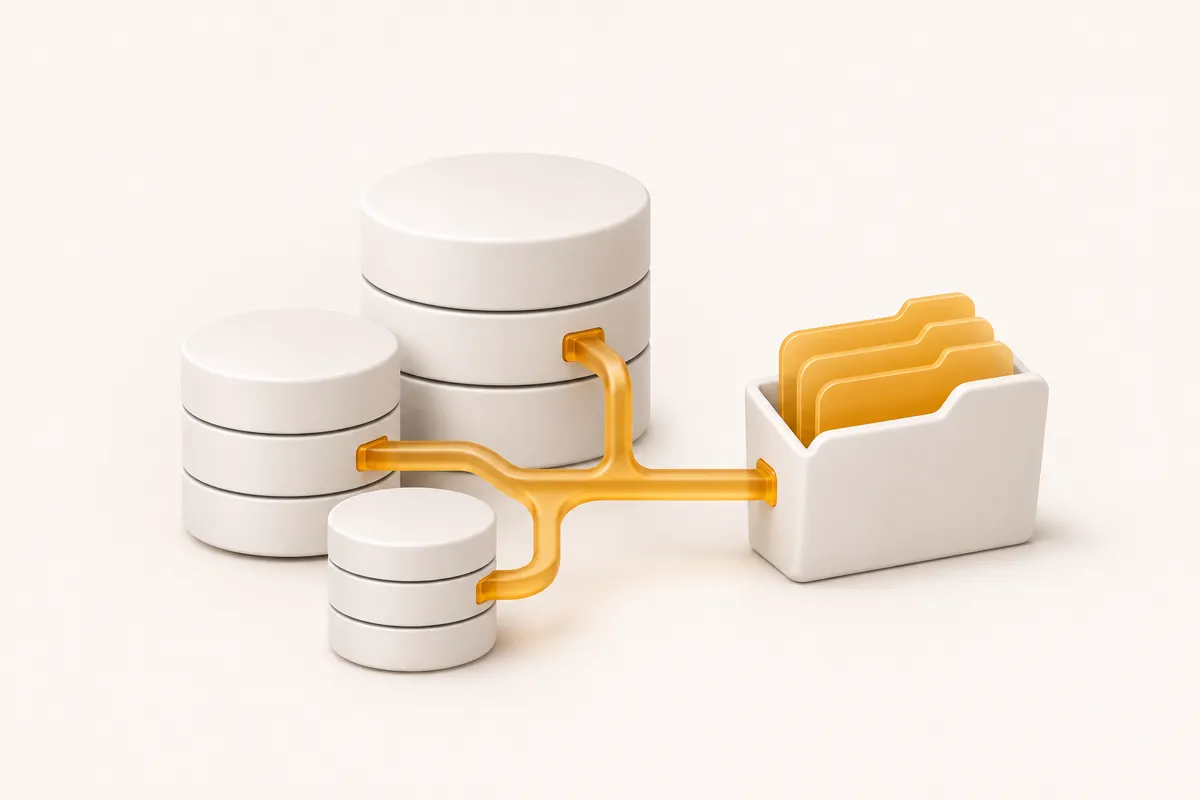
See what it does, who it’s for, and whether it fits your needs.
Opens with product context and a link to this page.
Native database exports
The current CLI configures one database driver per configuration file. It runs the corresponding database tools on the machine where the client is installed. Make sure those tools are available to the user running your scheduled backup.
| Database | Backup method | Dump check |
|---|---|---|
| PostgreSQL | pg_dump in custom format | pg_restore --list reads the dump archive. |
| MySQL | mysqldump with single-transaction, routines and triggers | The SQL output is checked for its completion marker. |
| SQLite | sqlite3 .backup; file-copy fallback if needed | sqlite3 PRAGMA integrity_check is run against the backup. |
02 / Databases & files
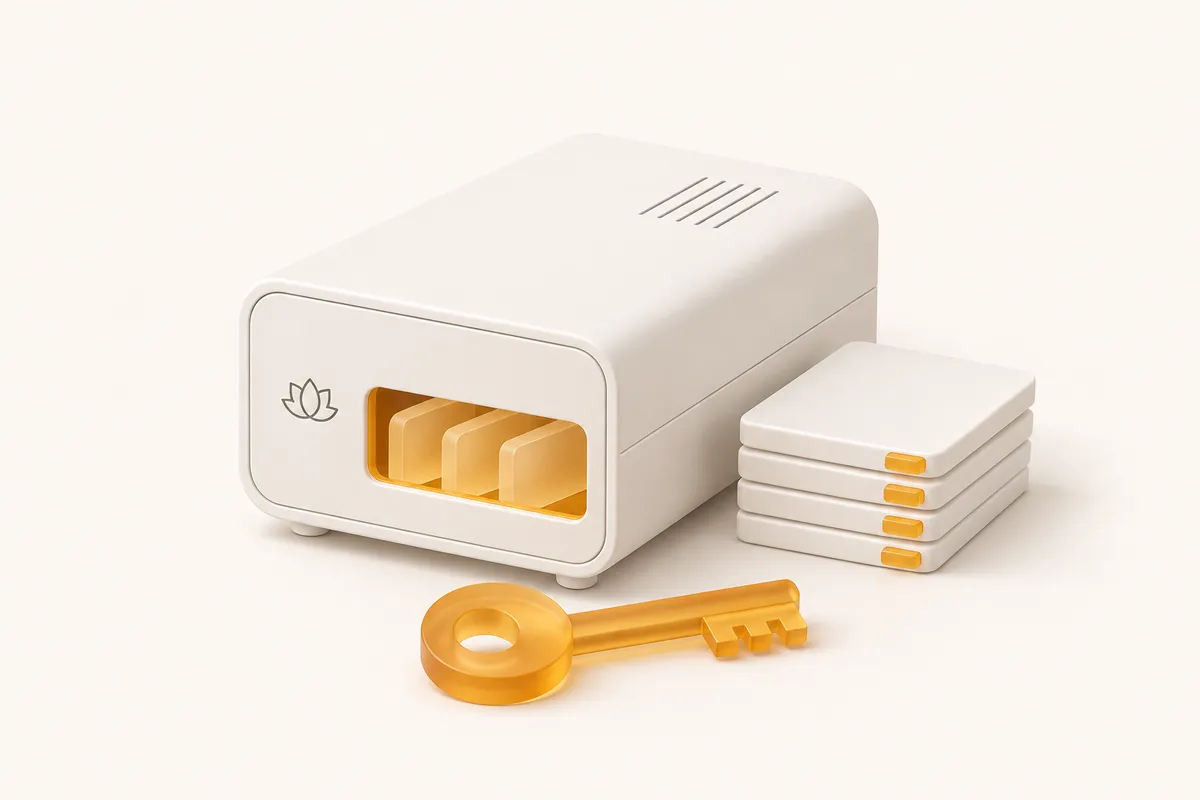
An application can have its records in the database and its uploaded files on disk. Include both when they need to be recovered together. The directories list adds selected folders to the same compressed archive as the dump.
Choose application-owned directories deliberately. Avoid including caches, large generated build outputs or unrelated secrets simply because they happen to share a parent folder. Leave enough local space for the temporary dump, archive and encrypted copy.
directories:
  - /var/www/app/uploads
- /var/www/app/documents03 / Databases & files
Use clear source labels for each application and environment. Keep the API key, encryption key and configuration associated with the right source so a recovery does not accidentally target a different database.
For multiple databases, use separate configurations and schedules as appropriate. The supported driver names are mysql, pgsql and sqlite. The current CLI does not provide a MongoDB or Redis driver, SaaS workspace backup, or a full virtual-machine snapshot.
Start with its database and uploads directory. Run a backup, keep the recovery key, and test a restore into a separate environment.
Give each environment an explicit source identity and configuration. Check your plan’s source allowance before expanding the setup.
A calmer place to start
Connect a source, keep your encryption key safe, and try a restore. Make the whole routine familiar before you need it.
Start your 14-day trial