Connect your account
Use the API key for the source you want to back up. Keep different environments clearly named.
How it works
A local client prepares your data, encrypts it, and sends the encrypted archive off your machine. Here is what happens at each step.
Start free trial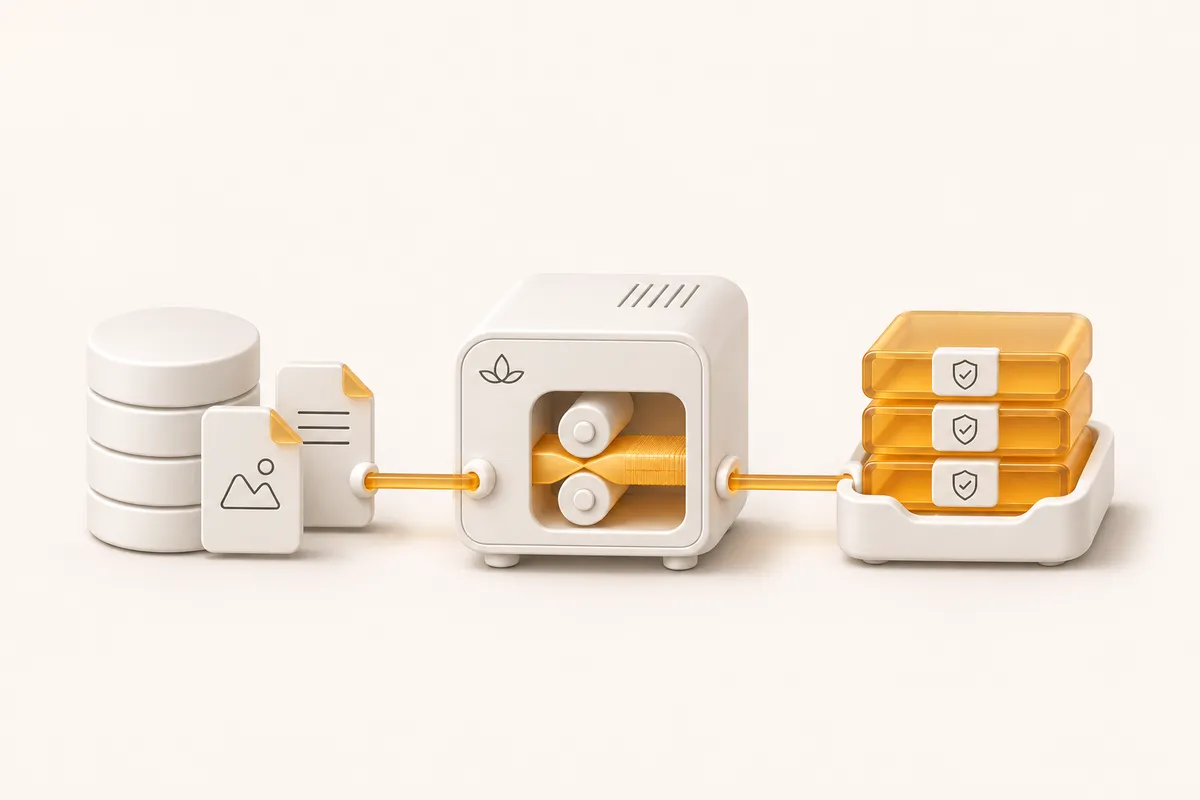
See what it does, who it’s for, and whether it fits your needs.
Opens with product context and a link to this page.
A small amount of setup
Create a backup source in your CalmBackup account and use its API key to connect the CLI. Your configuration identifies the database and any additional directories to include.
The API key identifies the source to the service. A separate encryption key protects the contents of the archive. The setup command generates that encryption key locally; keep a secure recovery copy outside the machine you are backing up.
Use the API key for the source you want to back up. Keep different environments clearly named.
Configure PostgreSQL, MySQL or SQLite and add the directories your application needs.
Keep the generated encryption key in a secure location you can access if the source server is lost.
02 / How it works
The CLI uses the database’s native tools, packages the result with the selected directories, and encrypts the archive before uploading it. The encrypted file is also retained locally according to your configuration.
PostgreSQL uses a custom-format dump, MySQL produces SQL, and SQLite creates a database backup. Each driver performs its own dump check before the archive is built.
The database dump and configured directories become a compressed tar.gz archive. Include uploads and other application-owned files that are not already recoverable from source control.
AES-256-GCM encrypts the archive with a key derived from your configured encryption key. A fresh random nonce is created for the encryption operation.
The client saves an encrypted local file, calculates its SHA-256 checksum, requests an upload URL, and uploads the encrypted object.
The client confirms the backup’s size and checksum with the API. Local retention then removes eligible older local backups. Local and cloud retention are separate concerns.
03 / How it works
The CLI installer sets up a daily cron job. You can change the schedule to suit how quickly your data changes and how much work you can afford to recreate.
An unsuccessful upload does not make your local encrypted copy useless. On later runs, the CLI makes a best-effort attempt to upload local archives missing from the cloud listing. Check the result rather than assuming a retry has succeeded.
Success notifications can be immediate or combined in a daily digest. Failed and missed backups need their own attention; a quiet inbox is not a substitute for periodically reviewing your backup history.

04 / How it works
A completed upload tells you that the backup workflow reached its confirmation step. It does not prove that your application can run from the recovered data.
Before relying on a new backup configuration, restore a selected snapshot into a separate environment. Check the database, application files, permissions and a few real application operations. Record the steps and time taken so the next restore is familiar.
A calmer place to start
Connect a source, keep your encryption key safe, and try a restore. Make the whole routine familiar before you need it.
Start your 14-day trial