Local & offsite backups
A backup needs a life beyond its server.
Understand the different roles of local encrypted archives, uploaded copies and a recovery key you can reach after a machine is lost.
Start free trial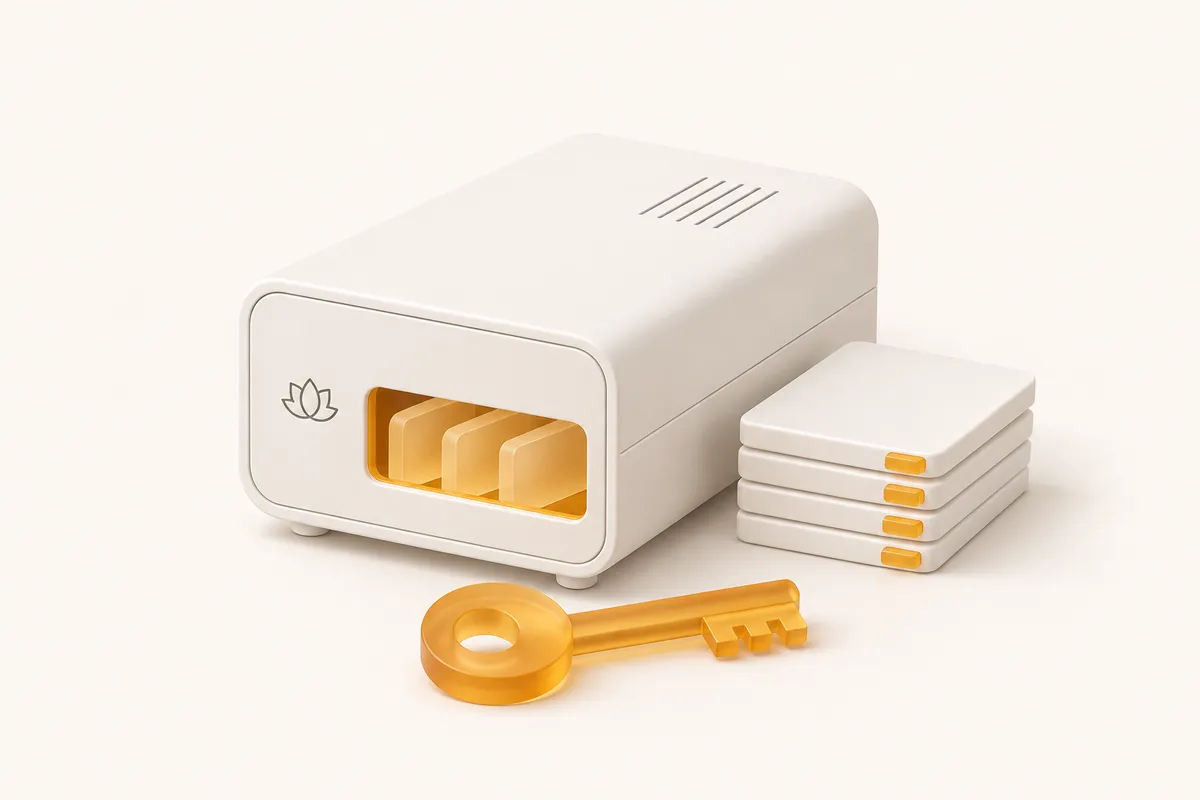
Ask AI about CalmBackup
See what it does, who it’s for, and whether it fits your needs.
Opens with product context and a link to this page.
View or copy the prompt
01 / Local & offsite backups
Think about what can fail together.
A local archive is useful when the machine and its disk remain available. It is less useful when the server is lost, the disk fails or access to that environment disappears. An offsite copy gives you another place to retrieve the archive.
CalmBackup creates an encrypted local file and uploads an encrypted copy. Confirm the remote backup has reached its confirmation step; the existence of a local file alone does not establish that it is available offsite.
02 / Local & offsite backups
Keep access separate from the thing you protect.
An offsite archive still needs its encryption key. If the only copy of that key is on the lost server, the remote copy cannot solve the recovery problem. Keep a secure, recoverable key copy in a location your authorized operators can access.
Think through account access as well. Document who can retrieve the backup, how they obtain the key and how they prepare a replacement destination. Test that process without using the original machine.
03 / Local & offsite backups
Test the copy you expect to depend on.
A restore rehearsal can be quick when the encrypted archive is already cached locally. Also rehearse retrieving a remote archive into a separate environment, so your runbook covers the situation where the original server is unavailable.
Review local and remote backup history separately. Confirm that the recovery points you need are retained, that you have their keys, and that the recovered application works. Keep the result with your recovery instructions.
A calmer place to start
Your next backup.
Your first recovery rehearsal.
Connect a source, keep your encryption key safe, and try a restore. Make the whole routine familiar before you need it.
Start your 14-day trial